Everything you need to look after your Pi
Generic SSH apps make you type everything on a tiny keyboard. PiShell knows it is talking to a Raspberry Pi.
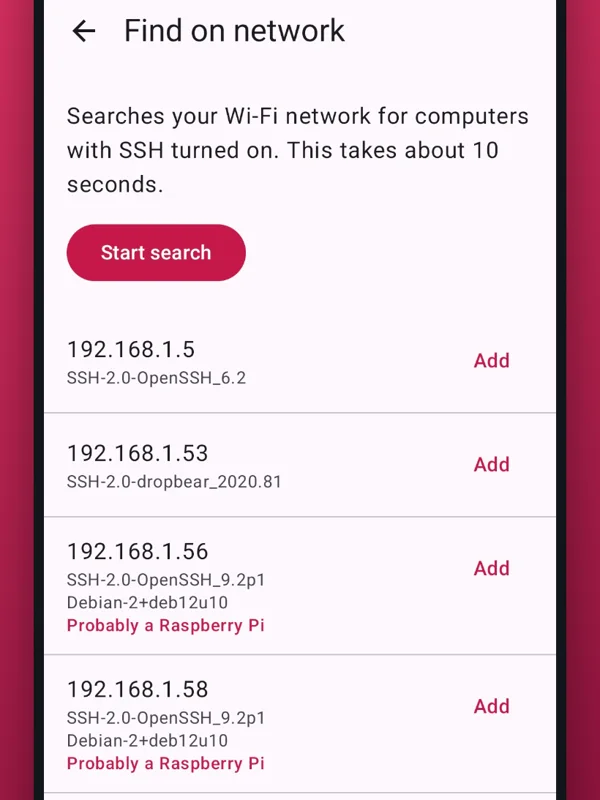
Finds your Pi
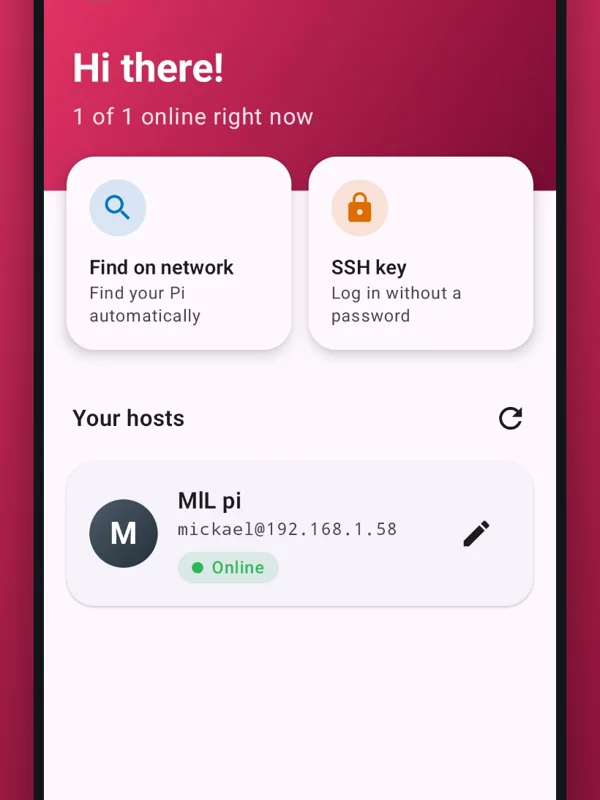
Scans your Wi-Fi for devices with SSH and highlights the ones that are most likely a Raspberry Pi.
Full terminal
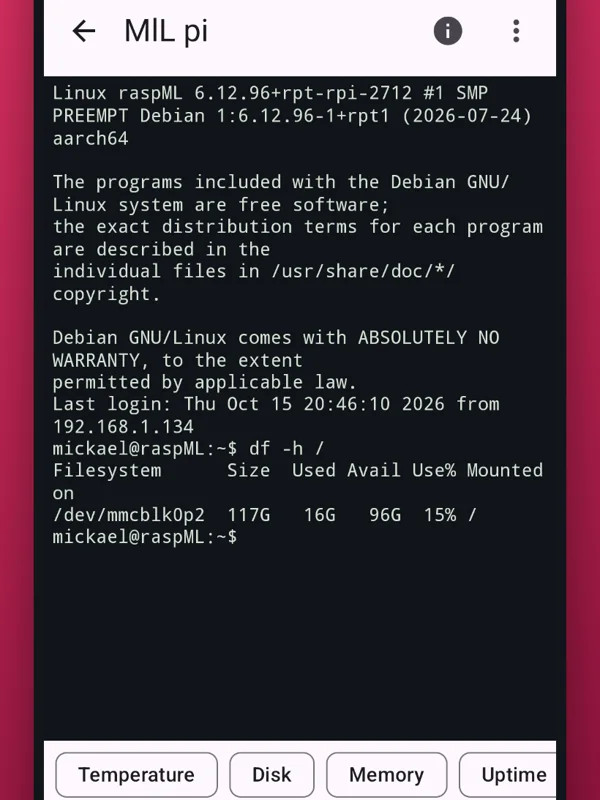
Real xterm terminal with colours: nano, htop, vim, less and top work. Extra keys like Ctrl, Esc, Tab and arrows.
One-tap commands
Temperature, disk, memory, uptime, system update, reboot and shutdown – plus your own quick buttons.
Status at a glance
Model, IP, CPU temperature, load, memory, disk and under-voltage or throttling warnings.
Secure login
Ed25519 keys installed on your Pi with one tap, or passwords encrypted on the phone and unlocked with your fingerprint.
Wake-on-LAN
Wake computers on your network with one tap. The MAC address is picked up automatically.
See it in action
Clean, fast and made for one-handed use.
Manage your homelab from your phone
One-time purchase, no subscription.
- File manager – browse, upload, download and edit files, even root files with sudo
- Services & Docker – start, stop and restart services and containers, read logs
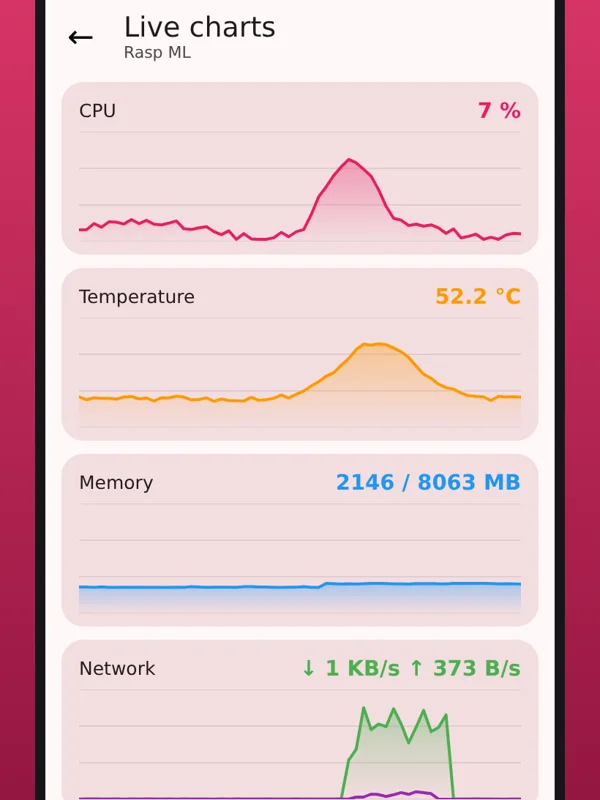
- Live charts for CPU, temperature, memory and network
- Widget and alerts when a Pi goes offline or gets too hot
- Unlimited hosts and your own quick buttons
Questions
Getting started takes about a minute.
How do I enable SSH on my Raspberry Pi?
In Raspberry Pi Imager, open the settings before writing the card and turn on SSH. On a running Pi, use sudo raspi-config → Interface Options → SSH → Yes. Then open PiShell and tap “Find on network”.
Does it work with other Linux computers?
Yes. PiShell works with any computer running an SSH server – Debian, Ubuntu, home servers, NAS boxes and more. Some extras like the temperature reading depend on the hardware.
Is my data safe?
PiShell has no ads, no account and collects no data. Hosts and keys are stored only on your phone, and the app only connects to the computers you add. Read the privacy policy.
Can I run nano or htop?
Yes – PiShell has a full xterm-compatible terminal, so nano, htop, vim, less and top work, with Ctrl and arrow keys on screen and support for Bluetooth keyboards.
What does Pro cost?
Pro is a small one-time purchase in the app (no subscription). The price is shown in Google Play in your local currency.
Which languages are supported?
English, Swedish, German, French and Spanish.